
From clean-shaven to French beard


Upload a clear portrait to preview a French beard with a connected mustache and chin beard. Compare the result, edit the prompt, and explore the look before changing your real beard.
1. Upload a portrait
2. Preview your French beard
See an example preview below:

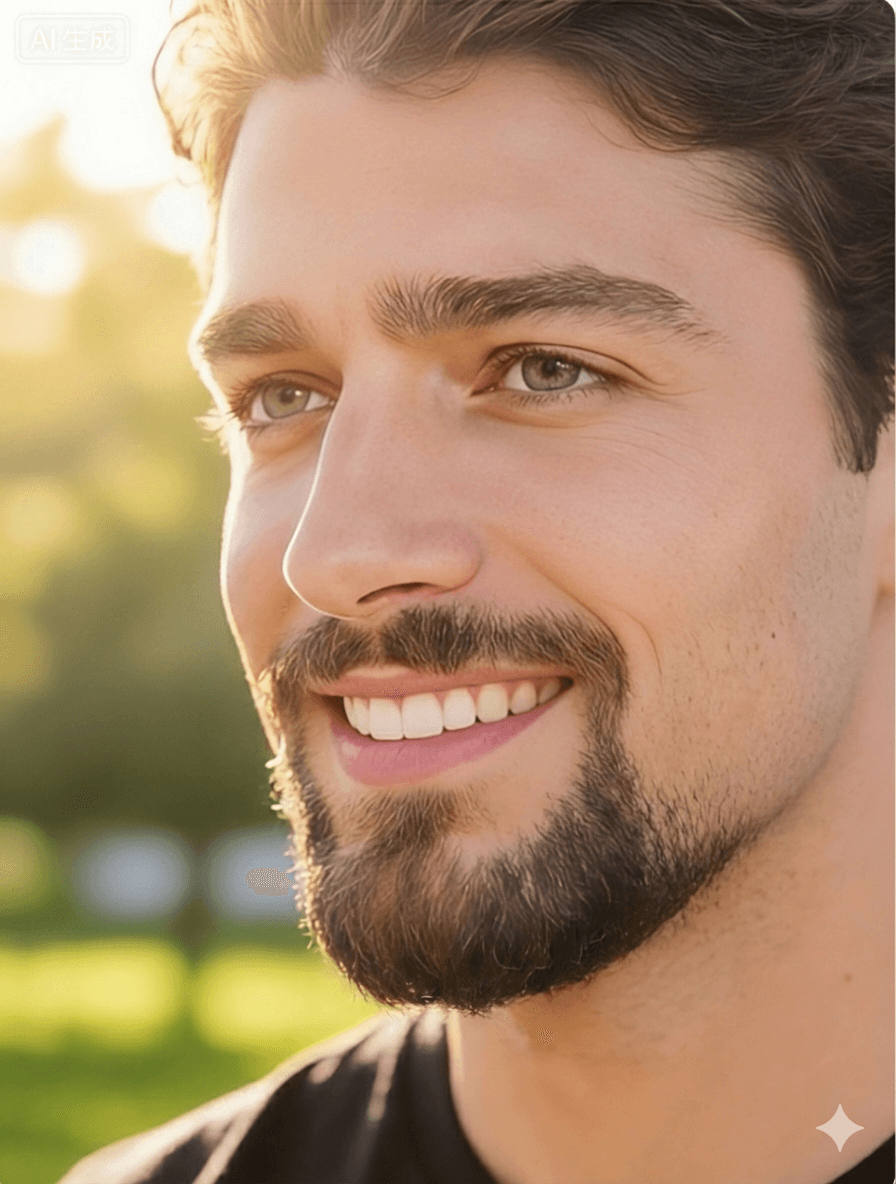
A virtual preview gives you a visual reference before you trim or grow your beard. Results are AI-generated and can vary by photo.
A French beard usually combines a mustache with hair around the chin, while the cheeks and much of the jawline remain clean. The mustache and chin section may connect into a neat outline around the mouth. Because naming varies by region, similar looks may also be described as a circle beard or a connected goatee.
The mustache and chin beard meet or sit closely together around the mouth.
Hair on the cheeks, sideburn area, and outer jaw is typically removed or kept minimal.
The outline can be narrow or full, and the chin section can be short or slightly longer.
These examples illustrate two common starting points. Your result will depend on the uploaded photo and prompt.
Face-shape guides are only a starting point. Proportions, hair growth, outline width, and personal preference all matter, so compare the preview rather than relying on a rigid rule.
A slightly longer chin section and a narrower outline may create more vertical emphasis.
A shorter chin section can keep the lower face from appearing more elongated.
A softer outline can contrast with a defined jaw; a sharper outline can emphasize it.
Many proportions can work, making outline width and mustache thickness useful details to compare.
Choose a front-facing or slightly angled photo where the mouth, chin, cheeks, and neck are visible.
The tool starts with the French beard style. You can also compare it with the related styles in the selector.
Keep the default prompt or describe a narrower, shorter, or more subtle variation before generating.
Spend 6 credits to create a preview. Review the result and download it if useful.
Input quality has a strong effect on AI output. For a clearer result:
The filter creates an edited image for style exploration. It can help you compare an overall outline, but it cannot predict your natural growth pattern, density, hair direction, skin response, or the exact result a barber will achieve. Treat the image as a creative reference rather than a grooming forecast.
Each generation uses 6 credits. New accounts may receive trial credits, while available plans are listed on the pricing page. Only upload images you are authorized to use and review the privacy policy before submitting personal photos.
Each generation uses 6 credits. Your available balance appears above the upload tool after it loads.
No. It is a visual reference based on one photo. Real growth density, hair direction, lighting, trimming, and barber technique can produce a different result.
The terms overlap, but a French beard commonly includes both a mustache and chin beard, often connected around the mouth. A goatee may refer only to chin hair or to several related variations.
Yes. A clear photo with a full beard can be used, although thick facial hair or shadows may make the generated outline less predictable.
There are no separate color or density controls on this page. You can edit the prompt to request a variation, but the result may not follow every detail exactly.
Upload a clear portrait, adjust the prompt if needed, and compare the generated style before your next grooming decision.
Try the French Beard Filter