
The clean-shave reveal
Create a beard-to-no-beard video to compare two looks before reaching for the razor. Start with a bearded portrait and finish with a clean-shaven photo.
YOUR NEXT LOOK, IN MOTION
Go from a full beard to a clean shave—or grow it back. Bring a starting portrait and an ending look, and make a short AI beard transformation video.
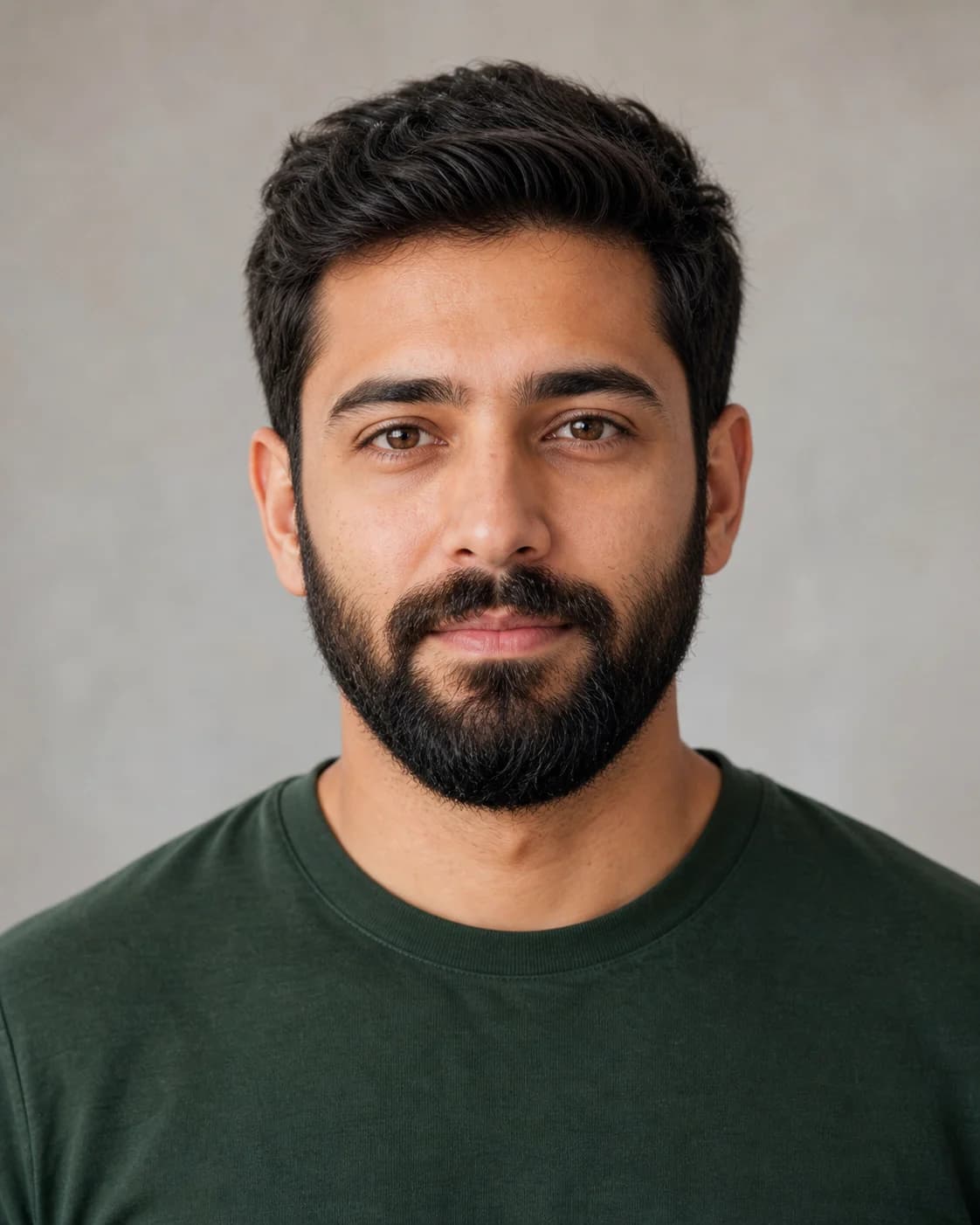 Before
 After
AfterGenerated from these two reference photos. Individual results vary.
Use two photos of the same person with matching framing. AI creates the motion between them.
Your new look starts with two photos.
Choose your portraits on the left, then generate a 5-second clip.
Upload a clear, evenly lit portrait. Keep the face centered and leave the chin and jaw visible.
Use a clean-shaven or bearded version of the same photo. Matching pose, crop and light give the model a clearer target.
Confirm the 12-credit cost, wait for the AI video, then play and download the result.
Create a beard-to-no-beard video to compare two looks before reaching for the razor. Start with a bearded portrait and finish with a clean-shaven photo.
Reverse the idea: start clean-shaven and end with your chosen beard. This is an AI animation of a style, rather than a forecast of actual hair growth.
Make a short visual reveal for a personal update, a grooming concept or a social post. Download the MP4 and add captions or music in your preferred editor.
A controlled change works best when the photos agree on everything except the beard.
Upload a starting portrait and an ending portrait of the same person, choose the direction of the beard change and generate. The tool uses both images as references for a 5-second video. For a clean-shaven end photo, you can first use the separate AI beard remover and download its image result.
Yes. Choose “No beard → beard”, upload a clean-shaven starting image and a bearded ending image. You can prepare the ending look with the beard style photo tools. The resulting animation visualizes a look; it does not predict your real beard growth.
A 5-second video costs 12 credits and requires sign-in. Photo generation is separate and currently costs 6 credits per image. The initial 10 trial credits alone are not enough for a video. Check your balance and the current credit plans before generating.
Video credits are reserved when the task is created. If submission or generation fails, the 12 video credits are refunded automatically. Temporary status-check errors do not mean the task has failed. Your task remains in your account so you can check again later.
This page accepts two photos and generates a new short video. It does not accept existing video files, edit every frame of an uploaded clip, or provide a live no-beard camera lens. Use the photo tool if you only need a still preview.
The model is prompted to preserve the person, expression and setting, but identity and facial details are not guaranteed. Matching photos and restrained movement help. Inspect the whole clip, particularly the mouth, jaw and eyes.
Yes. Video tasks are stored with your account and appear in recent transformations when you sign in again. Download completed videos you want to keep because provider-hosted links may expire.